AI Motion Control for More Directed, Cinematic Video
Turn a single image and a motion reference into controllable AI video. Guide camera movement, pacing, and scene energy without starting from scratch every time.
Recreate Any [Motion] With Your Image
Copy motion from any video and place your character into the same movement
Upload or select from library
MP4 / MOV · Max 100 MB
3–30 s · Duration varies by mode
Add your character
JPG / PNG · Max 10 MB
340–3850 px · Ratio 1:2.5 – 2.5:1
Use character direction from image (max 10s) or video (max 30s)
Start by copying motion from library
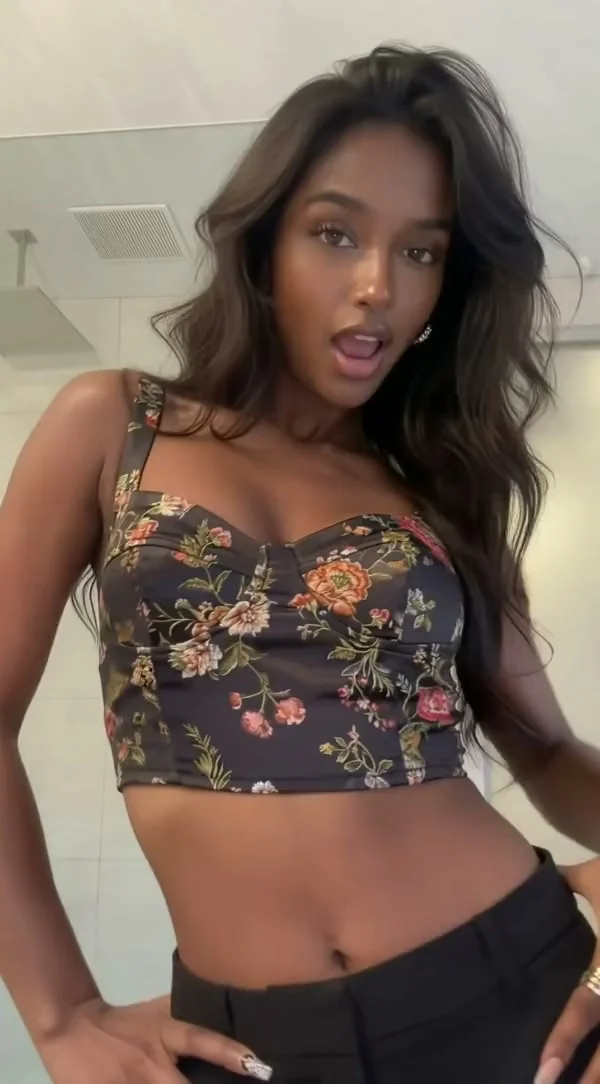
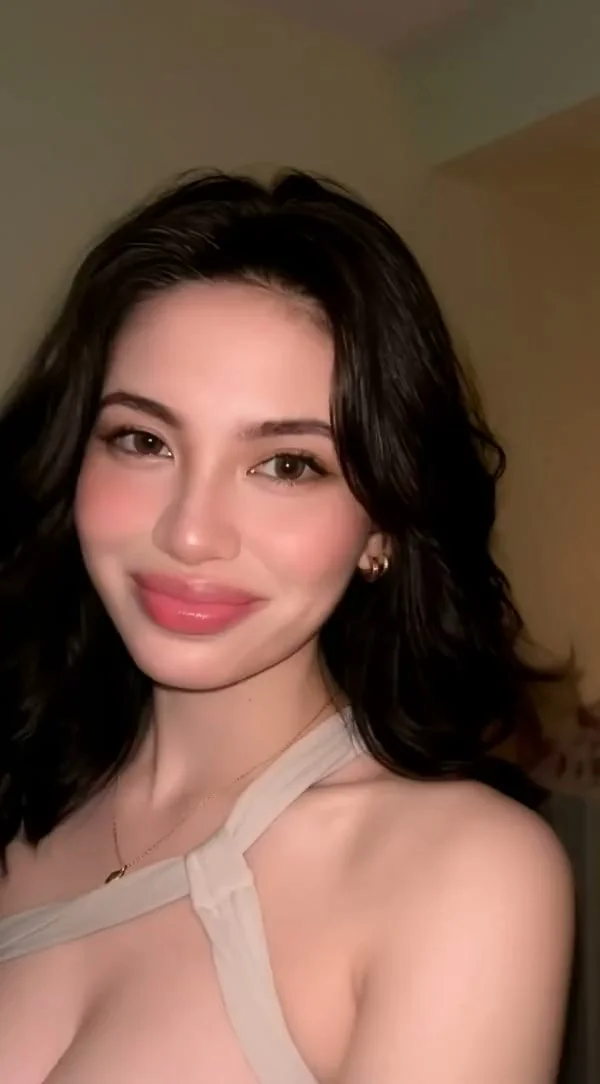
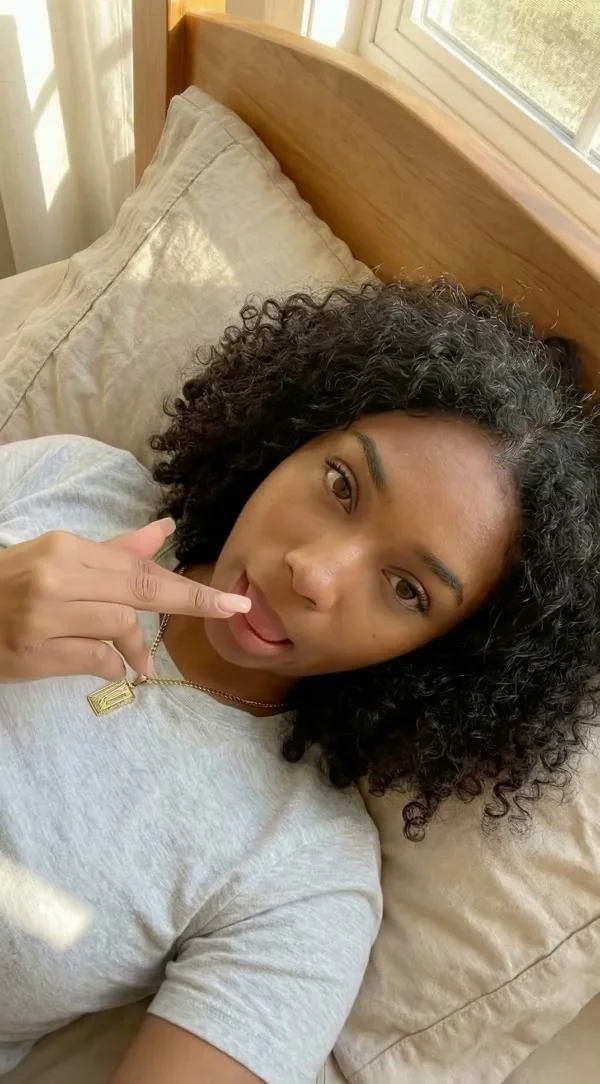
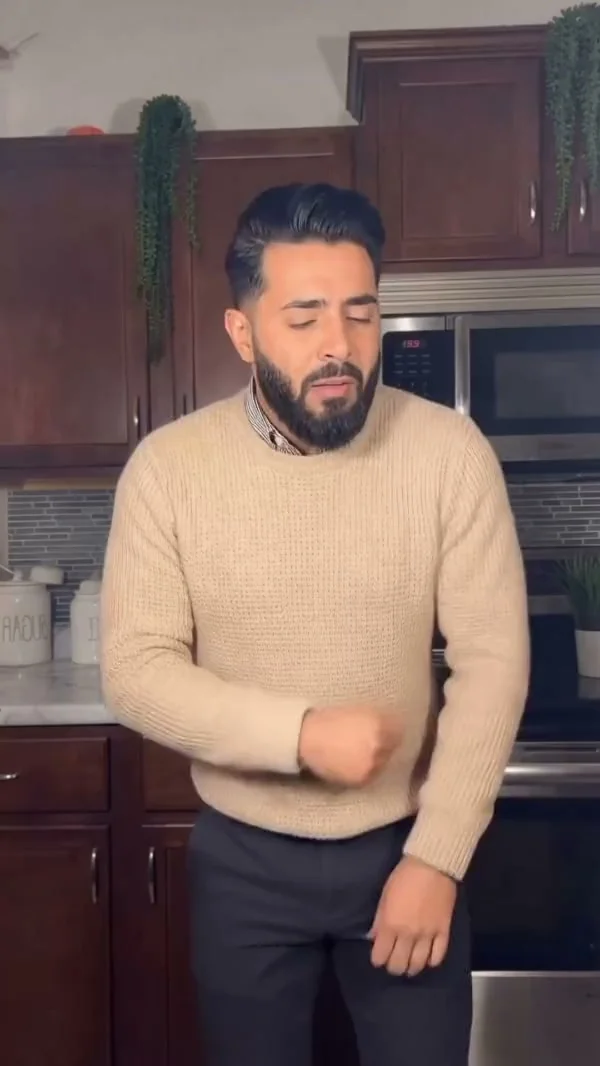
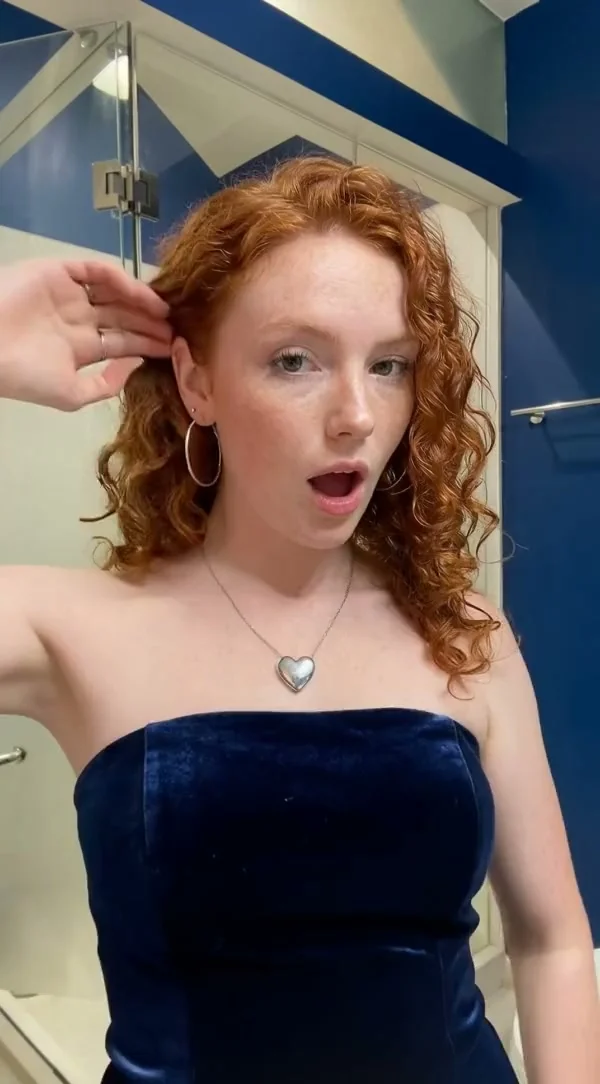
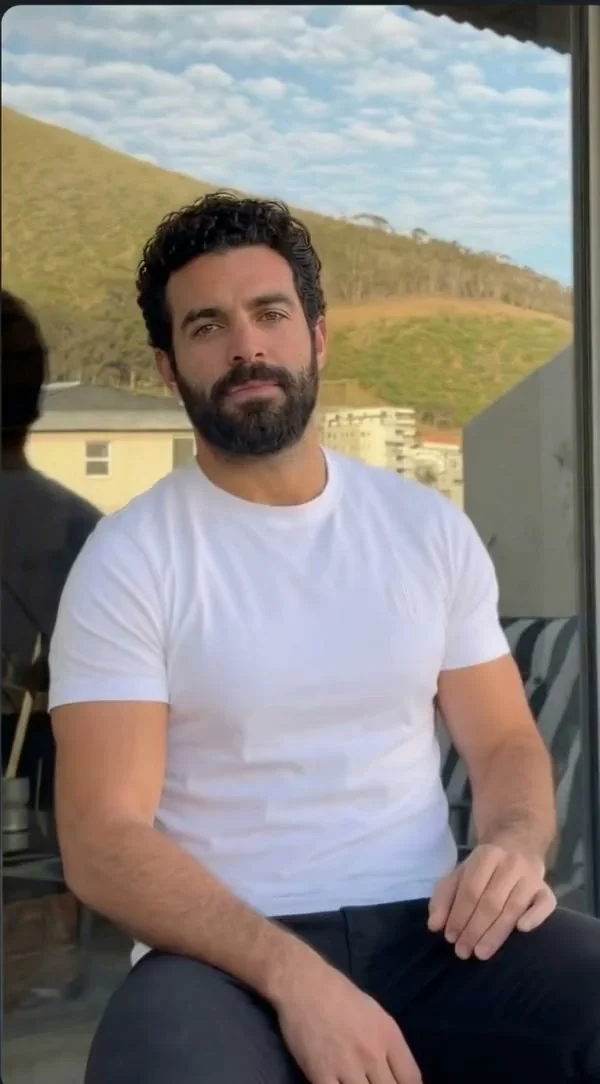
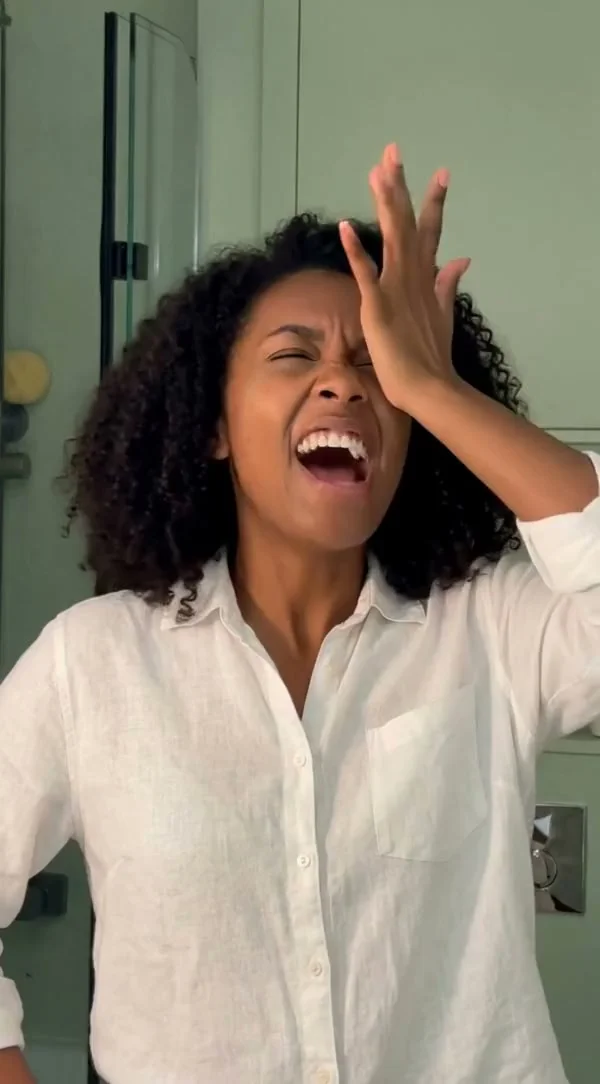
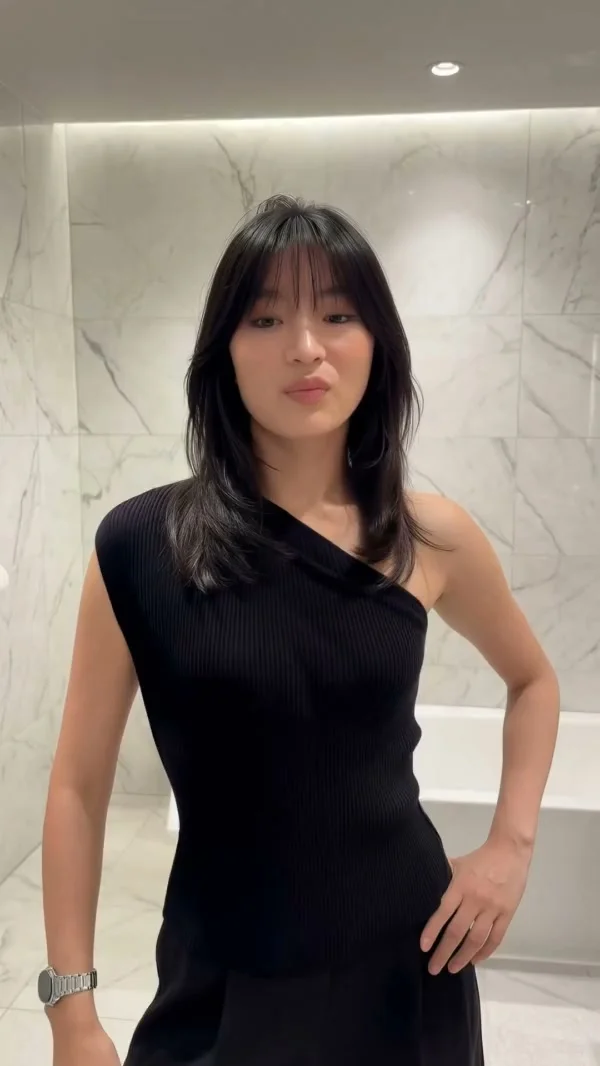
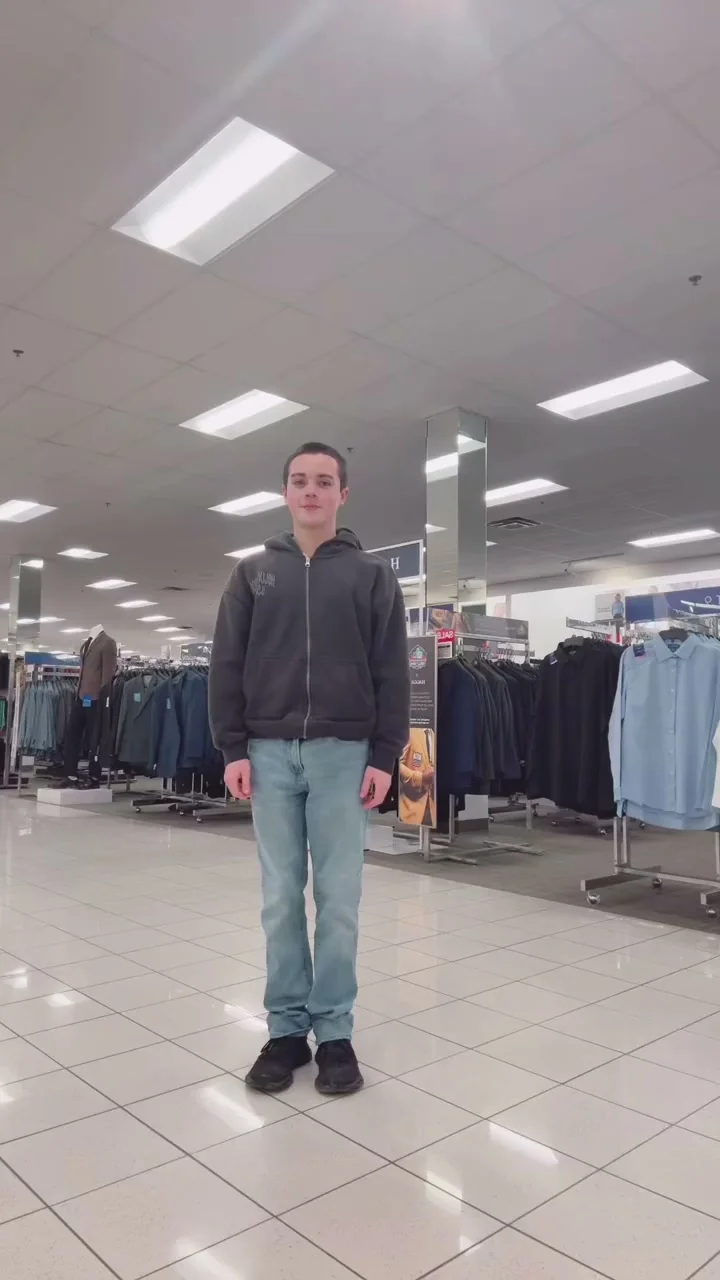
Showcase Motion Control Results
See how Motion Control handles everything — from portraits to body in motion dance, smooth motion paths, clean posture shifts, stable motion extraction, and consistent character identity across styles.
Dance Motion Control
Martial Arts Motion Control
Laughing Motion Control
Photo Capture Control
Dance Motion Control
Tai Chi Motion Control
Running Motion Control
Dance Motion Control
Key Features
What makes Kling 3.0 Motion Control different
01
Precise Facial Expression Transfer
Captures subtle emotional shifts — smiles, surprise, tension — and transfers them to your character with natural timing and consistency.
02
Stable Body Motion Across Sequences
Maintains body posture and movement flow throughout the entire clip, even during complex choreography or fast transitions.
03
Adaptive Scene and Framing Control
Keeps your character sharp and centered as camera angles shift, background changes, or dynamic movement occurs in the scene.
04
Consistent Identity from Every Angle
Preserves your character's facial identity across profile turns, head tilts, and multi-angle motion sequences without drift.
Three simple steps
From source image to directed video in minutes
01
Upload Character and Motion
Add a character image and a motion reference video that defines the movement you want to transfer.
02
Adjust Settings and Preview
Choose resolution, scene mode, and optionally add a text prompt to fine-tune the output direction.
03
Generate and Download
Hit generate to create your motion-controlled video. Download the result or start a new generation to iterate.
Tips for Best Results
Get better output with these simple guidelines
01
Use Clear, Well-Lit Character Images
Sharp facial details and even lighting give the model more to work with, improving identity accuracy and motion stability.
02
Match Character Angle to Motion Reference
If your motion reference faces left, use a character image with a similar angle. Closer starting poses produce smoother transfers.
03
Keep Motion References Under 10 Seconds
Shorter clips with focused, continuous motion generate better results than long videos with mixed or idle segments.
04
Try Different Character Orientations
Switch between Video BG and Image BG modes to see which gives you better framing and motion alignment for your specific inputs.
05
Use Prompts to Fine-Tune Movement
Add a short text prompt in Advanced Settings to guide style, pacing, or emphasis when the motion reference alone isn't enough.
Built for Real Video Workflows
See how creators and teams use AI motion control
AI Character Animation
Animate illustrated characters, portraits, or avatars using real human motion. Transfer natural body movement and gestures to any character style.
Social Media Video Creation
Create short-form videos by applying trending dances or gestures to your characters for TikTok, Reels, and YouTube Shorts.
Marketing and Promotional Videos
Generate videos where characters present products or perform brand gestures. Turn static visuals into dynamic promotional content.
Film and Creative Previsualization
Prototype scenes and character performances before production. Test choreography, acting, and camera movement with consistent AI characters.
Why Choose AI Motion Control?
Move beyond random generation with a workflow built for real creative work
Precise Creative Control
Define exactly how your character moves instead of relying on random generation. Motion references and prompts give you repeatable, directed results.
Consistent Results Every Time
Same inputs produce predictable outputs. Reuse successful motion references across campaigns, scenes, and character variations.
From Concept to Clip in Minutes
Skip the trial-and-error loop. Upload, adjust, generate — most videos are ready in under 3 minutes with no editing experience required.
FAQs
Frequently asked questions
Start Creating More Controlled AI Video
Build cleaner motion, faster iterations, and more repeatable outputs with a workflow designed for production.